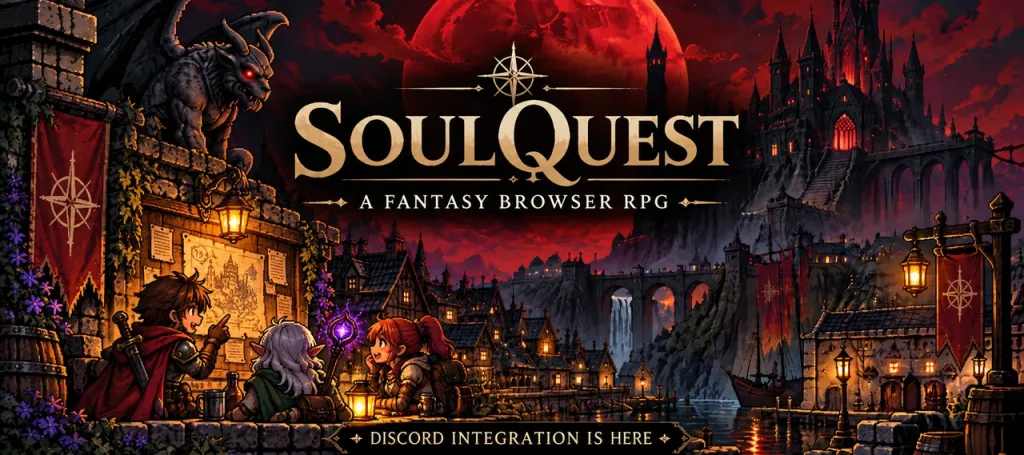
SoulQuestRPG now includes Discord integration, with account linking, two-way guild chat, notifications, and a Discord bot that brings game information into your server. It is another step in connecting players, guilds, and the wider community while the game continues through alpha.
Discord features
The world of SoulQuestRPG is becoming more connected as development continues on this revived old-school fantasy browser RPG. Whether you're exploring the Dark Forest, meeting fellow adventurers in ShireStone, or coordinating with your guild, it is now easier to stay connected even when you're away from the game.
Meet the SoulQuest Discord bot
The SoulQuest Discord bot adds commands that bring the realm into your community server. Use /profile to view your adventurer, /player to look up another character, or /guild to see information about a guild.
If you want to know how many adventurers are exploring the realm, use /online. For planning your next expedition, /world reveals the current in-game day and night cycle and moon phase. Public information respects your existing SoulQuest privacy settings.
Connect your account
Already playing SoulQuest? Head to Settings > Account & Security > Discord and connect your account. Once connected, you can manage your Discord notifications and use the new integration.
Important: If you already have a SoulQuest character, link Discord from your existing account before attempting to sign in with Discord. This ensures your existing adventurer is preserved.
The realm continues to grow
SoulQuestRPG is a browser-based fantasy RPG inspired by the classic browser games of the early 2010s, rebuilt with modern technology while retaining its old-school charm. The game is currently in alpha and is expanding with new adventures, combat, progression, and social systems.
Discord integration is another step toward a persistent, connected world where the community can grow alongside the game.
The gates of ShireStone are open. Your adventure awaits!
Comments